
How to use Poworkout Trim & Tone
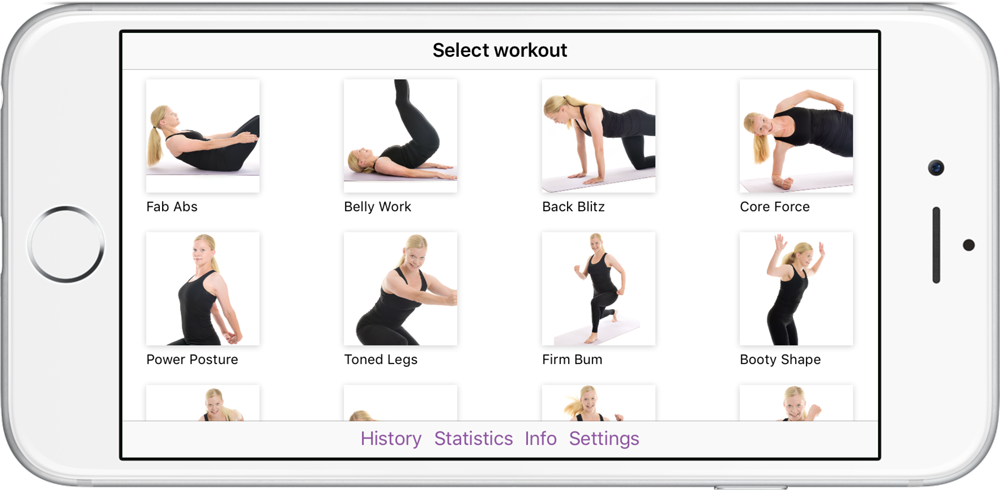
01 Choose workout routine
Choose your workout routine - there are 24 different workouts containing cardio and strength training in the training app Trim & Tone.
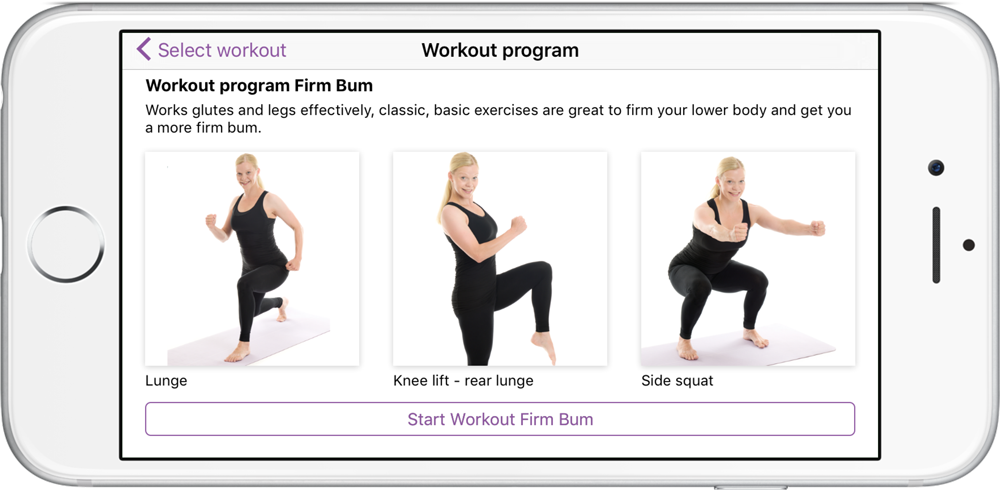
02 Start workout routine
Each workout routine contains 3 exercises. You can do one workout routine or combine two or more for a longer lasting training session.
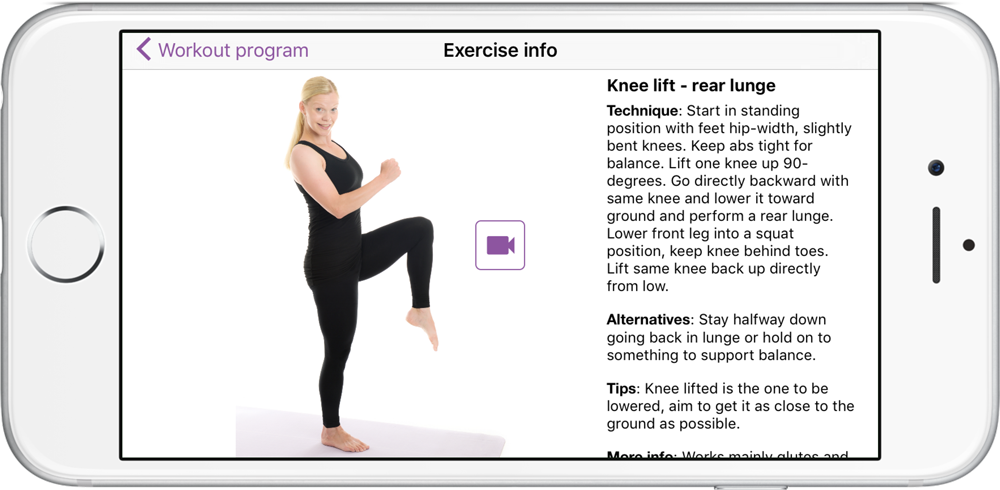
03 Learn the technique of the exercises
Its easy to learn the technique of each exercise - just watch the videos, all exercises are also described with pictures and written instructions.
Click an exercise to view the instructions. You can do this before or during your training. You will also find alternatives and info about the muscles working when training each exercise.
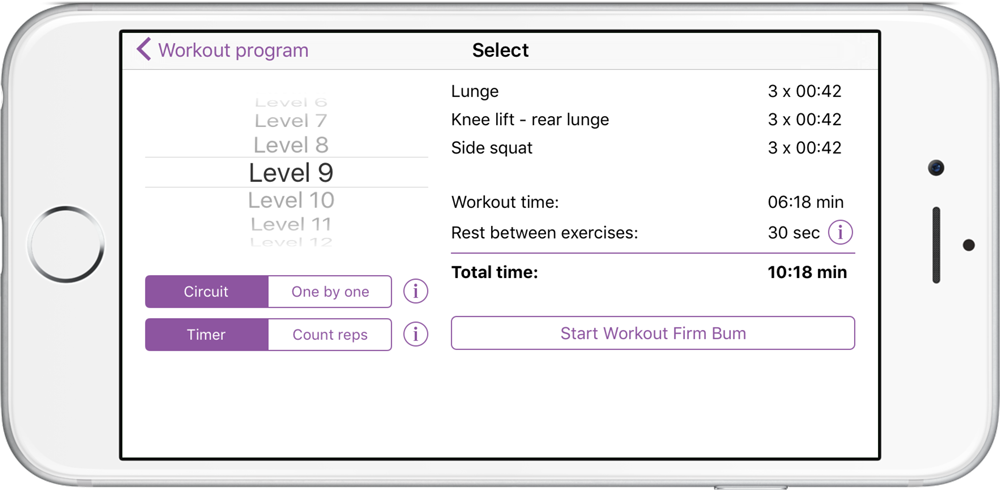
04 Choose your workout level
There are 30 levels - from absolute beginner to very fit people.
Choose level and timer or count reps and exercise sequence one by one or circuit (as in circuit training).
Timer means you do the exercises on time.
Count reps means you count reps by yourself and then press the button "I'm done".
One by one means you perform the exercises one by one, you do all sets of one exercise and then go on to the next exercise.
Circuit means circuit training, you train one set of the first exercise followed by one set of the second exercise and so on.
05 Start workout routine
Press the start button (or go back to start page and select another workout routine).
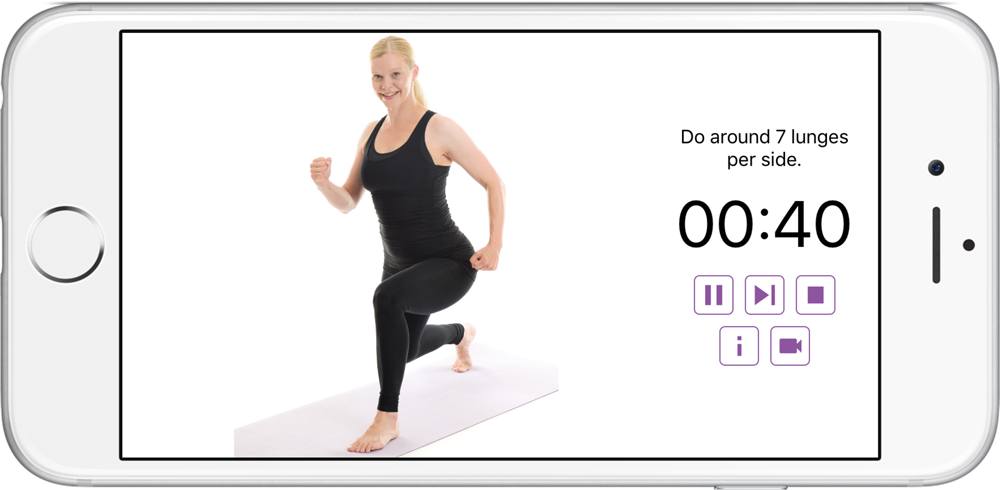
06 Do the exercises
Train the exercises as the app guides you - just follow the instructions. Keep training until all exercises are completed.
There are rest time after each exercise, its optional, just tap "continue" to keep going. You can change the time for resting in settings.
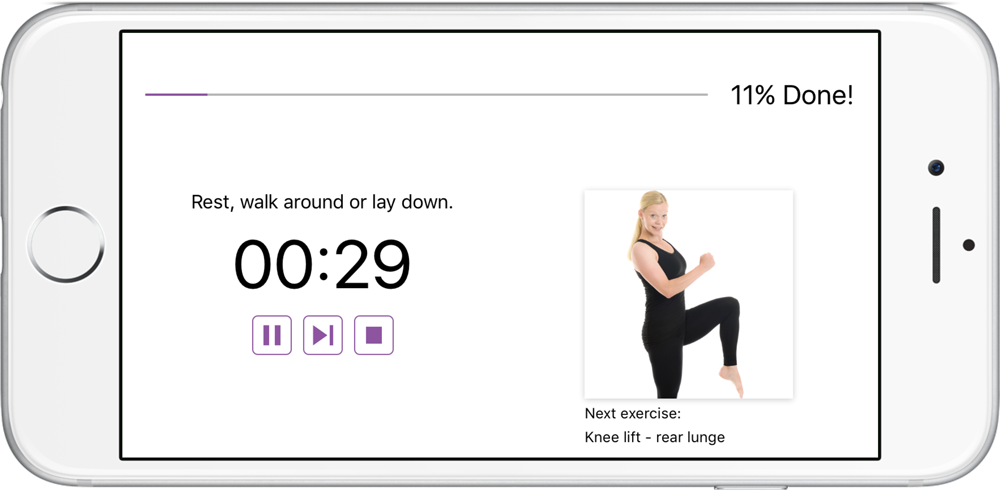
07 Workout routine completed
When all exercises are completed you receive points which adds up to your score. You can view your training history on the History page.
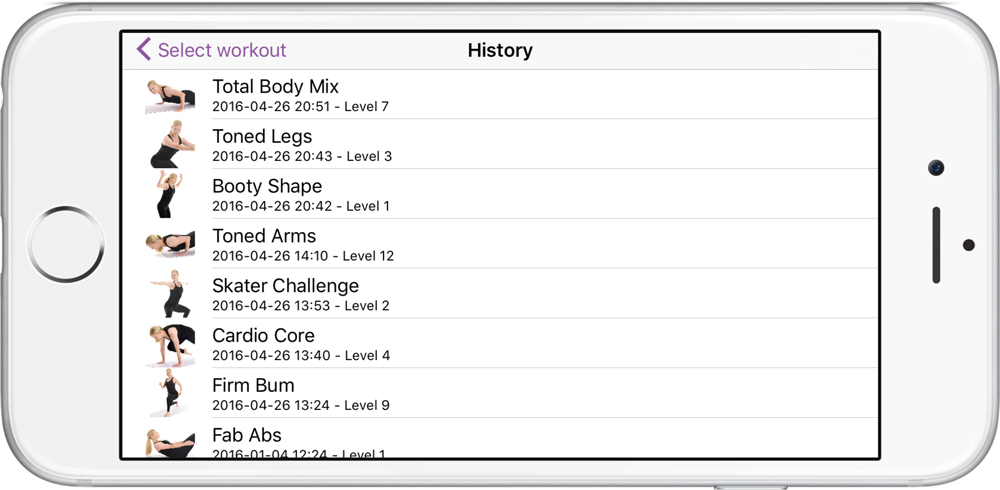
08 You are done
Now you are done with one workout routine. You can choose to start another workout routine if you want to (you can combine them as you like).
You can also combine the workout routines with cardio training of you choice.
Although "only" one workout routine will make a difference and it definitely counts as a training session.

- Compatible with iPhone and iPad.
- Available in English and Swedish.

Do you have any questions? Please contact us!